
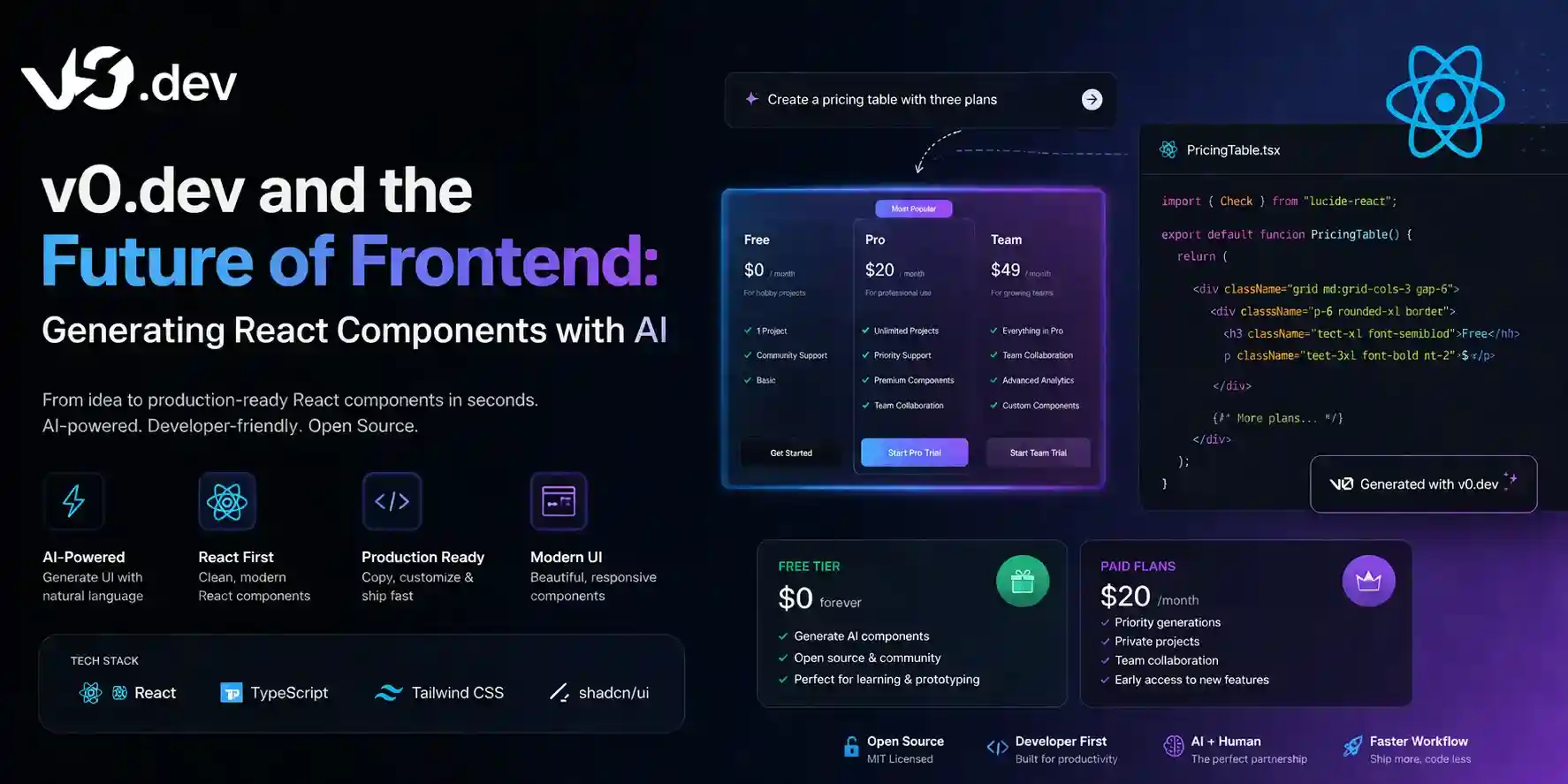
Modern web development demands rapid prototyping and clean user experiences. For frontend developers, designers, and digital business owners, spending hours writing repetitive HTML, CSS, or Tailwind code can slow down product launches. To stay ahead of the competition, leveraging artificial intelligence to build visual layouts is the smartest approach. If you want to accelerate your development speed, understanding the capabilities of generative interface tools is essential.
In this complete introduction to v0.dev, we will explore how this revolutionary platform by Vercel allows you to generate production-ready frontend UI elements instantly using simple natural language prompts.
What is v0.dev and How Does it Work?
Created by the team behind Next.js and Vercel, v0.dev is a generative UI system that converts text descriptions into clean, responsive frontend code. Unlike general AI chatbots that simply spit out code snippets, this platform visually renders the interface right in front of you.
- Tailwind and Shadcn UI Integration: The engine generates code using industry-standard frameworks like Tailwind CSS and Shadcn UI components, ensuring everything looks modern and highly scalable.
- Component-Based Iteration: You do not have to generate a whole page at once. You can generate individual elements like cards, navigation bars, or data dashboards, and refine them step-by-step.
Key Features That Speed Up Frontend Workflows
To build a professional presence and scale digital assets on platforms like learnaitoolsnow.com, developers are adopting this tool for three core reasons:
1. Visual Prompt Editing
If you generate a pricing table and want to change the color of the premium button, you do not have to manually edit the code. You simply click on that specific button, type “make this button neon blue with a smooth hover effect,” and the system updates it instantly.
2. Copy and Paste Ready Code
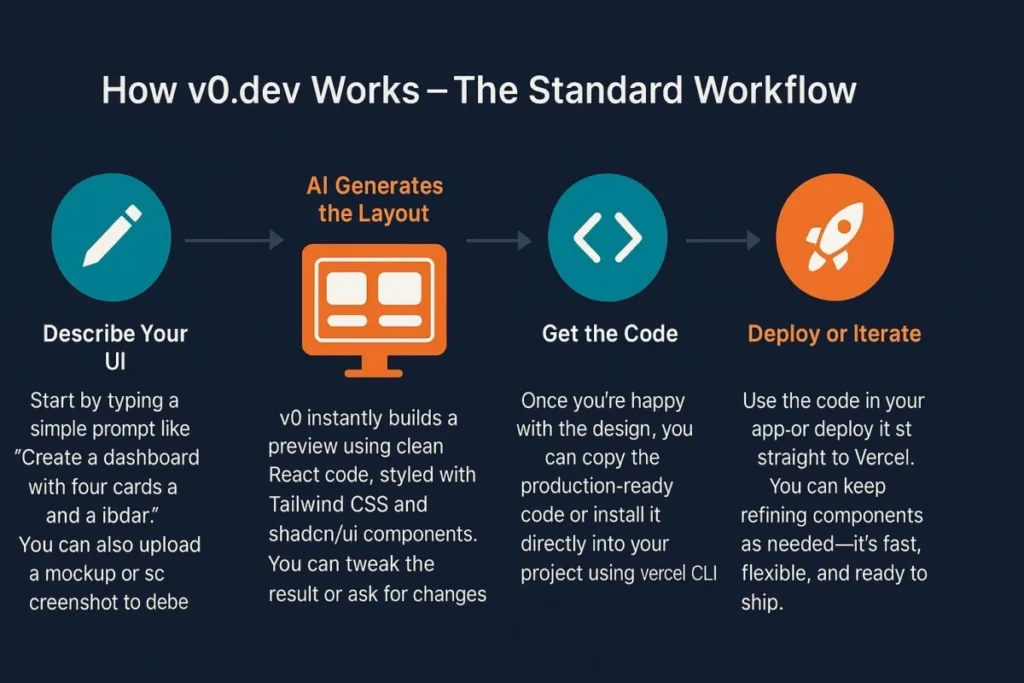
Once you are satisfied with the generated interface design, v0.dev gives you a clean command line snippet or raw code block. You can copy it directly into your local React, Next.js, or HTML files without worrying about broken tags.
3. Real-Time Previews
The platform provides a dual-pane workspace. On one side, you type your creative ideas, and on the other side, you see a live, interactive preview of how the component behaves on mobile, tablet, and desktop viewports.
(Place an image here with Alt Text: “v0.dev generative AI frontend UI development workspace interface”)
Technical Comparison: Generative UI vs Traditional Coding
| Feature Category | v0.dev AI Approach | Traditional Manual Workflow |
| Development Speed | Seconds per component | Hours of writing styling sheets |
| Framework Standards | Tailwind CSS & Shadcn UI | Manual CSS or custom frameworks |
| Responsive Design | Automatic mobile-first scaling | Manual media query configurations |
| Code Customization | 100% editable raw files | Fully written from scratch |
Final Verdict
The frontier of web engineering is shifting toward intelligent generation. For anyone looking to cut layout design times down significantly, diving into this introduction to v0.dev proves that conversational coding is the absolute future of frontend design. By combining this tool with hosting platforms like Vercel, you can turn creative concepts into live digital layouts with unmatched efficiency.